Easier shopping is here!

For those that wanted easier shopping, click on the shopping tab above or visit http://www.amychomas.com/

We are now taking credit card payments, or you can still use paypal! Any questions, you can send them to amyc222@yahoo.com

Want to learn how to use your new holders? Look to the right of my blog to see everything in categories!


Showing posts with label Cricut Explore. Show all posts

Tuesday, January 12, 2021

Chomas Creations engraving tip in the Explore Air 2

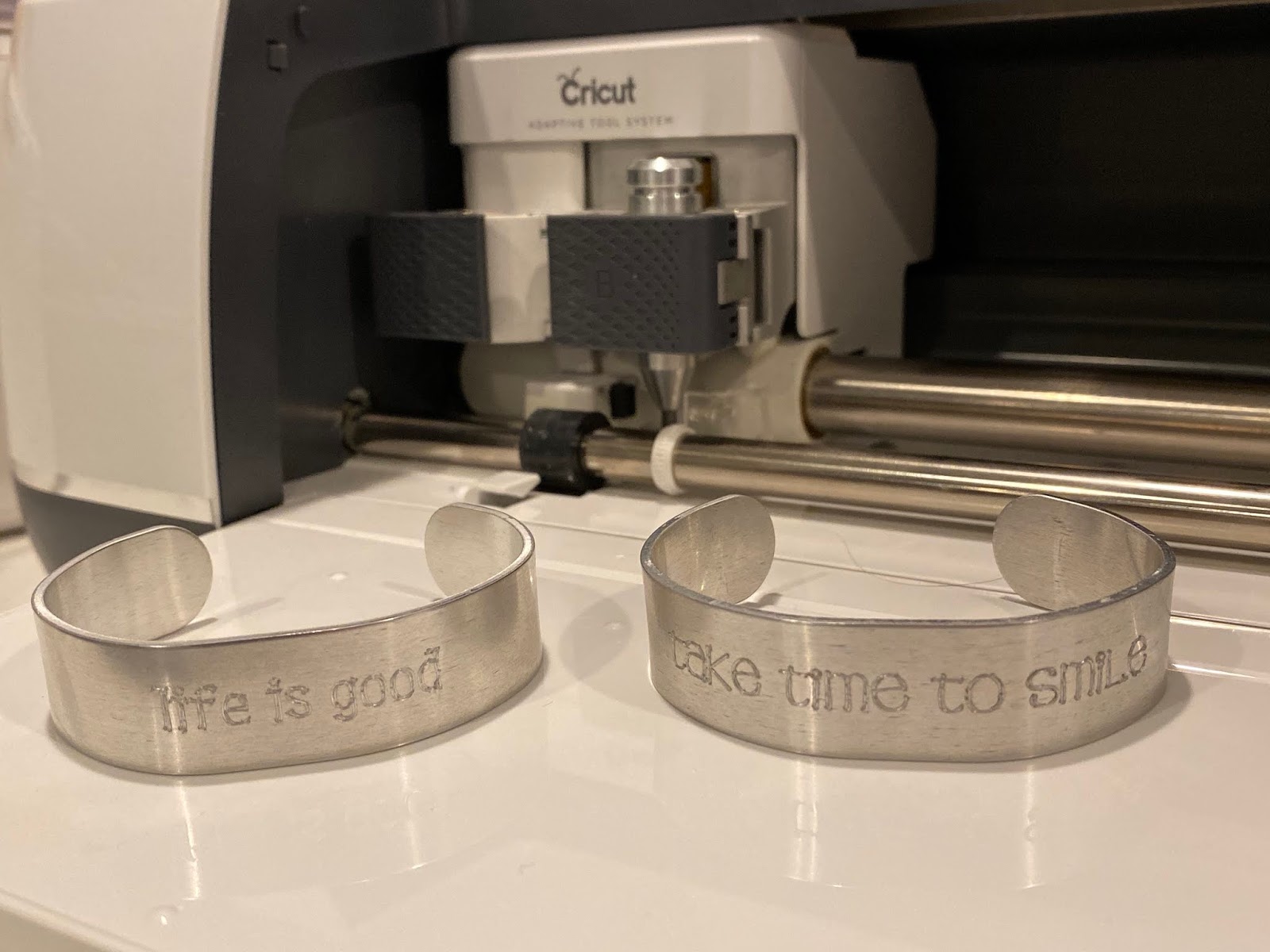
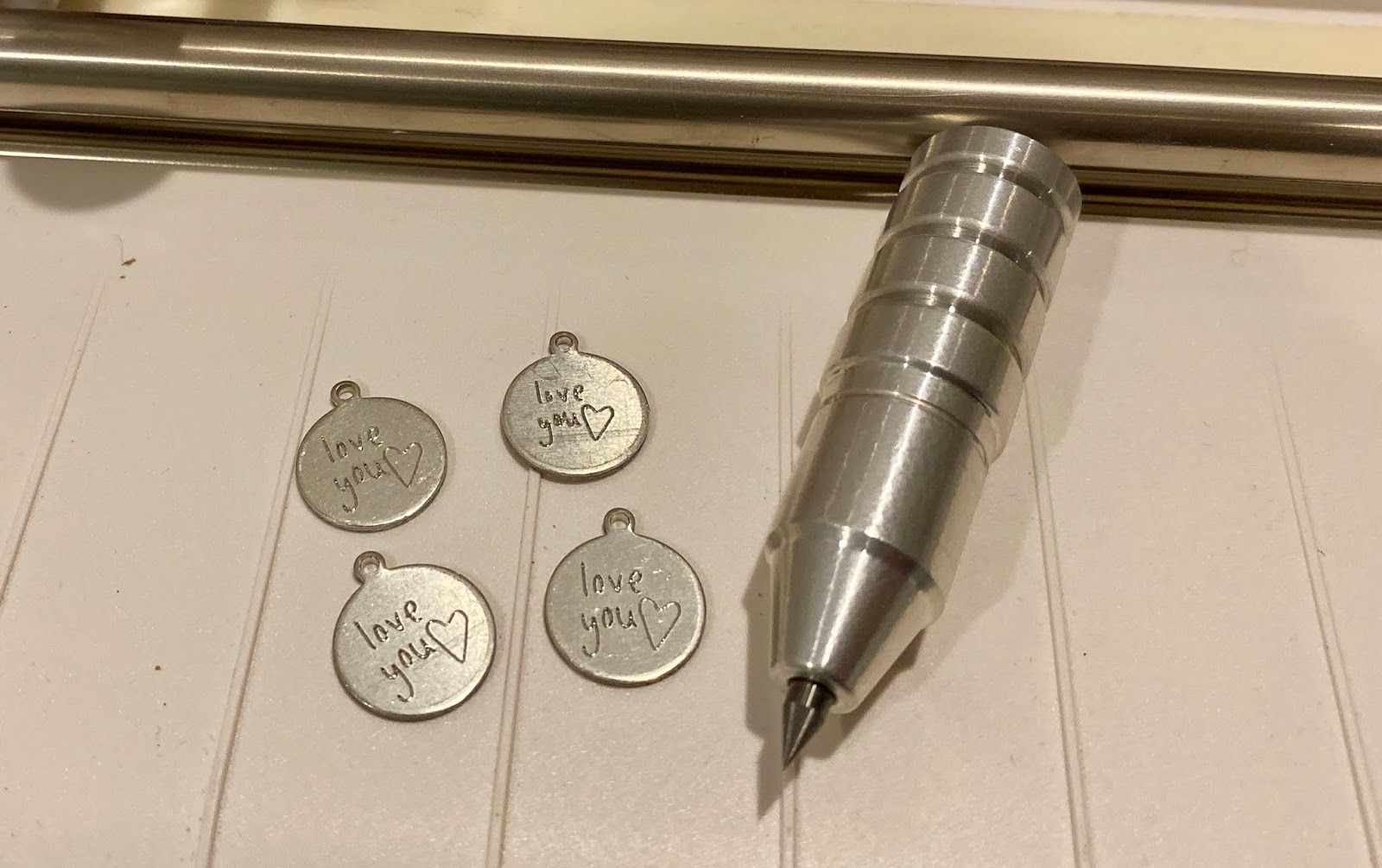
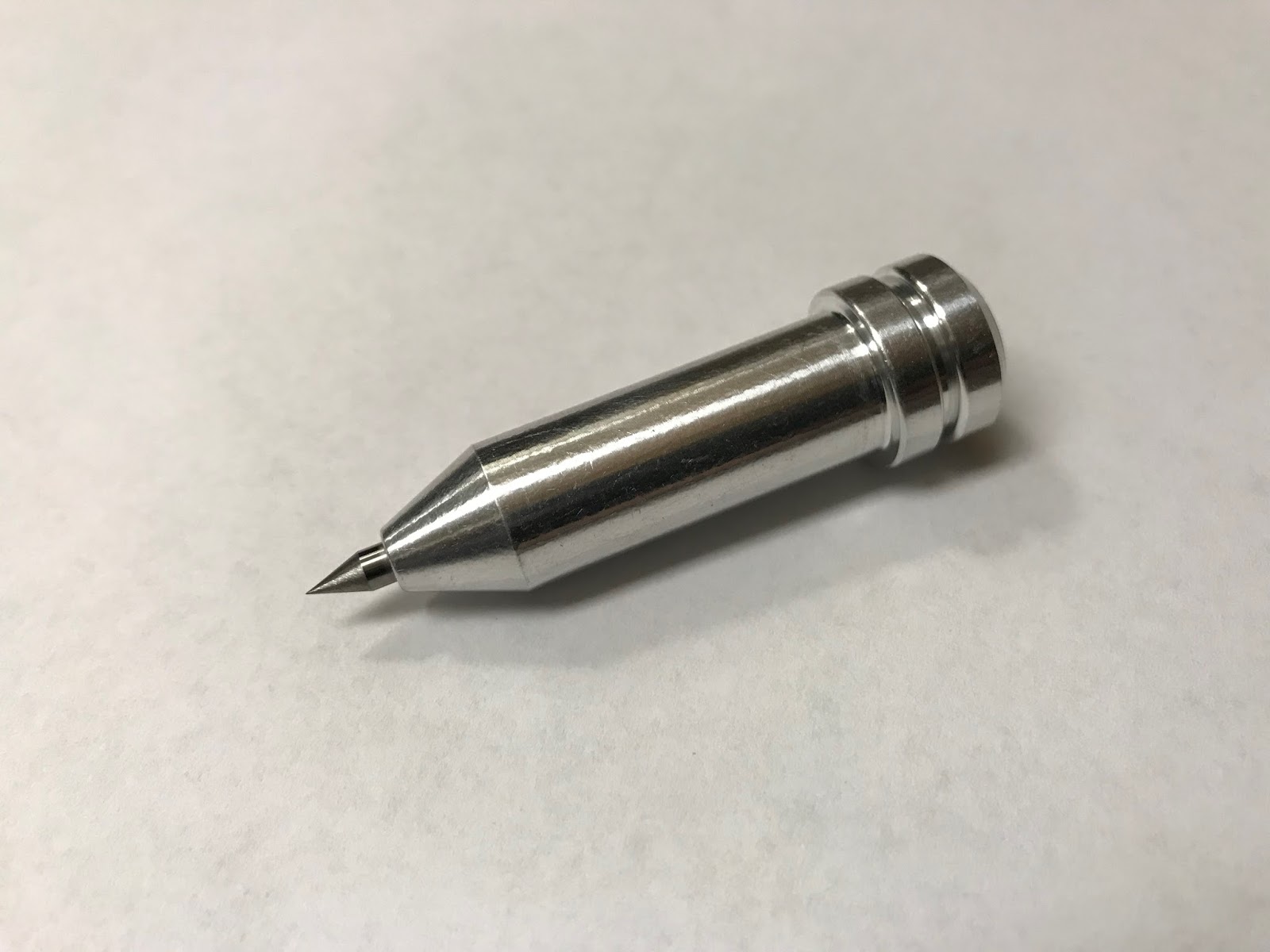
Want to know something awesome all of you Cricut Explore owners out there?  YES you can ENGRAVE with an Explore!  I have been doing it for years with the Chomas Creations engraving tip!  I see it out there all the time that you can not, but I'm here to blow you away with what Nancy Puleo shared on the Facebook page Cricut Engraving with Cleversomeday.  And she was nice enough to let me share it with all of you!  You can find the engraving tip for the Explore here... Chomas Creations

Yes she did this with the Chomas Creations engraving tip and she did it in the Cricut Explore Air 2!  I'm guessing you are all as amazed as I am and now I'm finding more fun stuff to do with the Chomas Creations engraving tips!  This is on a piece of acrylic.  There is so much you can learn in the Facebook group Cricut Engraving with Cleversomeday so head on over as I'm still learning how to do it!  Kay of Cleversomeday offers an ebook for a very reasonable price to get you started as well as a very informative group.  There is also another group called Engraving Metals with the Cricut Maker (which of course you can use your Explore instead) that has a lot of good info and ideas as well.  Can you tell I'm giddy with excitement?  
Here is another project that Nancy engraved with the engraving tip in the Explore, she also mentioned that the photo doesn't do the project justice as it was a bit blurry.  But WOW!  Can you even imagine it in person?
Thanks so much Nancy for letting me post this on my blog as I'm sure my Explore users are going to be absolutely thrilled with these ideas!  And more!


Like what you see? Leave a comment to let me know! Thanks Amy Chomas

Monday, March 23, 2020

Chomas Creations engraving tip in the Explore!! Yes Explore machines!

Great news YES the Chomas Creations engraving tip for the Maker & Explore will work in the entire line of Explore machines!  And you can engrave with the Explore machine!  The key is to use double sided adhesive so your tag doesn't wiggle around and use the highest pressure and use a multi cut. I multi cut even 5 times to get a good look to my tags.  You can find the Chomas Creations engraver in my store here...  Explore tools
And right now using the coupon code getcrafty to save 10% off your order!


Like what you see? Leave a comment to let me know! Thanks Amy Chomas

Wednesday, November 27, 2019

Mirror design with Chomas Creations precision tip for the Cricut

I just love how this turned out to add to my Christmas decorations.  I used the Chomas Creations precision tip in the Cricut Maker to etch this design on a plastic mirror I found at Joanns.  I used a chalkboard font and it looks like it is filled in, the font is called KG Second Chances.  I did use a multi cut of 2 on this design.  You can find the Chomas Creations tool here... precision tip
You can do this with the entire Explore line as well for all my Cricut fans!


Like what you see? Leave a comment to let me know! Thanks Amy Chomas

Friday, November 15, 2019

Chomas Creations adjustable marker holder in the Cricut

I have a confession to make...  I have been bad at making cards and not giving my usual home made cards.  I needed to sit and make some to have on hand for when I have a mad rush to grab a card.  I found this sketch on the Design Space software called and I do love the look of white ink on kraft cardstock so I gave it a go.  I added the Signo Uniball white gel pen to the Chomas Creations adjustable marker holder to draw these.  Heads up that the same tool I linked will fit into any of the Explore machines.  So you can do this exact same thing with the exact same holder with your Explore!

Now I used to be all about cutting my cards out of cardstock but this is a quicker way. You can buy the cards with the envelopes and unfold them to design on them.  Less cardstock waster too!  I just added some ribbon scraps to the cards and VOILA!  Super easy.
And super cute!
Don't forget you can use the coupon code nov2019 to save 10% off your order in the Chomas Creations store until 11-25-19.


Like what you see? Leave a comment to let me know! Thanks Amy Chomas

Wednesday, November 13, 2019

More fun with the Chomas Creations precision tip and a coupon hehe!


I'm so excited on how these all worked out!  I had engraved on all of these with the Chomas Creations precision tip in either the Cricut or Silhouette and then used a Sharpie to color on them and it worked!!!  The afters are  on top, as you can tell lol, and the befores are on the bottom.
I used a fine point Sharpie, colored over the entire etched area, then used rubbing alcohol to get the excess off and I was left with what you see!
And before I go too far how about a coupon coupon code for those ready to give this a go!  Use the code nov2019 until 11-25 to save 10% off your purchase in the Chomas Creations store... Chomas Creations store


It worked just as well on the acrylic, same idea, cover the entire area and rub the excess off with rubbing alcohol. 


Even the tiniest of tiny objects worked, these charms are just 1/2 inch around.


Like what you see? Leave a comment to let me know! Thanks Amy Chomas

Wednesday, January 03, 2018

Now available! Chomas Creations precision tip for the Cricut Explore & Maker

You've asked for it and they are now available for preorder in the Chomas Creations store!
The precision tip for the Cricut Explore line and the Cricut Maker!  You can etch anything you would normally cut with your Cricut machine but with finer details because the precision tip is an even finer tip then the original engraving tip.
Now available for preorder here for the Cricut Maker
Also available for preorder here for the Cricut Explore


Like what you see? Leave a comment to let me know! Thanks Amy Chomas

Thursday, July 27, 2017

Engraving with the Cricut Explore **new instructions included

***Keep in mind that these tools have been updated to fit in place of the blade on the right side of the machine.  
Ooooh wait till you see what the Cricut Explore can do!  How about etch or engrave aluminum tags!!?  I used the Chomas Creations engraving tip to make these tags.  I did use a multi cut of 2 and the highest pressure in the software.  I'm still trying to figure out the software for the Explore, so I don't have a tutorial just yet.  If anyone has ideas on making this easy, please share!
I used some of the chalkboard fonts for these.  You can see more about these here... chalkboard fonts
These dog tags and other aluminum shapes and sizes can be found at Ohax Industries!
Keep in mind these tools have been updated and now fit in the right side of the machine in place of the blade.

Here is another tag I did as well!  I love these chalkboard fonts as they show up really well over any open font.


Like what you see? Leave a comment to let me know!

Monday, May 02, 2016

Using the Chomas Creations Cricut Explore tools, read note below

Keep in mind these tools have been updated to fit in the Maker and Explore both and will now go on the right side in place of the blade.


The Cricut Explore tools are all in the Chomas Creations store!  In stock and shipping!
Chomas Creations engraving tip

Chomas Creations adjustable marker holder.  Holds up to 1/2 inch marker.
Chomas Creations adjustable pen holder. Centers a 3/8 inch gel pen.

Wednesday, September 16, 2015

Back to school sign with adjustable holder for the Cricut Explore.

I love making these signs for the kids to hold up on the 1st day of school!  Easy way to show off all the info when you look back!   Explore tools

This is with a Gelly Roll gel pen in the Chomas Creations adjustable pen holder.


This is the adjustable pen holder for the Explore.  You can center most gel pens to draw then cut.  My favorite gel pens for this are the Gelly Roll gel pens that are found in a lot of different styles and colors.  You can find them at pretty much any craft store or online.
This is the adjustable marker holder for the Cricut Explore.  It will hold up to 1/2 inch or the size of a fine point original Sharpie.  Some markers may not be centered in the marker holder.  This does mean you won't be able to draw then cut a shadow around the image you draw.  There will be ways to work around this ( I usually cut around in a circle or square, and there will be even more).


Like what you see? Leave a comment to let me know!

Sunday, May 24, 2015

Birthday card with Sharpies in the Explore!

Finally got some time to play with my new Explore and wanted to get those neon Sharpies to work on a birthday card!  And they fit in the Chomas Creations adjustable marker holder for the Explore!  I love how bright they are!  Being the 80's have made a come back and the neon colors are all the rage for the teens and tweens, I can't wait to give this card to one of them!  And with the Explore I do love the option of using the font I want on my computer, any fonts I have installed!  WOOHOO!
I use a Popsicle stick to adjust the height of the marker after the  mat is already installed in the machine to figure out the right height.

Here are some of the different neon Sharpies they offer.


Want to try making these for yourself?  Use the coupon code may15 in the Chomas Creations store to save 10% off your purchase!


Like what you see? Leave a comment to let me know!


Friday, February 13, 2015

Kiddy chalkboard Valentines with the Explore and the Chomas Creations adjustable marker holder

It is a tradition with my kiddies!  I love helping make Valentine's cards!  Being they are at school I went with a chalkboard look this year :)  My daughter loved the look!  Now drawing with the Explore is fun when you have chalkboard fonts!  There is an awesome blog that has a ton of great chalkboard fonts (and they are free free free!!!) here... I should be mopping the floor
I added the Chomas Creations adjustable marker holder for the Explore with a white Signo Uniball gel pen in the holder to draw on black card stock!!!
I used the Vintage One fonts and Denne Shuffle Euro Hollow to draw out these Vday cards.

My daughter loved them!  I backed them up with some pink and red cardstock and my daughter wrote messages on the backs of them.


Want to try the Chomas Creations holders in your Explore???  Use the coupon code feb15 to save 10% off your order in the Chomas Creations store!


Like what you see? Leave a comment to let me know!