Easier shopping is here!

For those that wanted easier shopping, click on the shopping tab above or visit http://www.amychomas.com/

We are now taking credit card payments, or you can still use paypal! Any questions, you can send them to amyc222@yahoo.com

Want to learn how to use your new holders? Look to the right of my blog to see everything in categories!


Showing posts with label Cricut Maker. Show all posts

Wednesday, February 05, 2020

Settings for using the Chomas Creations precision & engraving tip in the Cricut machines


I added a video tutorial to YouTube for the settings using your Cricut Maker & Explore with the Chomas Creations precision & engraving tip.
Here's the YouTube video for your viewing pleasure hehe...
You can order the Chomas Creations Cricut tools here...  Chomas Creations store


Like what you see? Leave a comment to let me know! Thanks Amy Chomas

Tuesday, December 03, 2019

Christmas tags with Chomas Creations adjustable pen holder

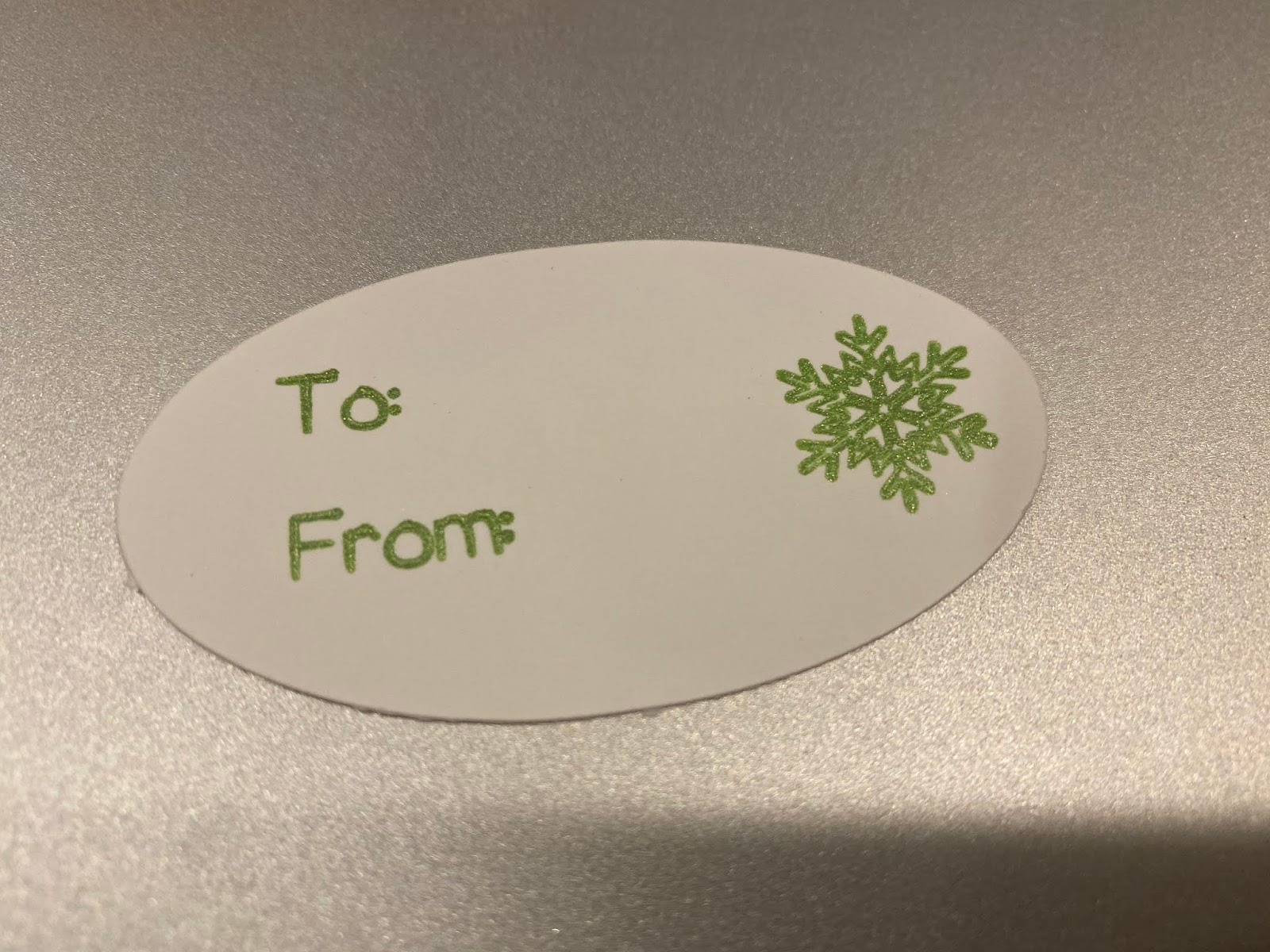
I designed these tags in Design Space using the thin font and a free snowflake in the downloads.  Once you design one you can just duplicate the rest and the next thing you know you have a ton of Christmas tags!  I used a Gelly Roll gel pen (available at most craft stores) in the Chomas Creations adjustable pen holder for the Maker.  This will work in the Explore machines as well with the same idea.  All of the Gelly Roll gel pens will center in the adjustable pen holder.  There are other brands out there as well that will work but if they have a squishy grip on them they will not fit in the pen holder.  I do have a marker holder that will fit the squishy gripped gel pens though!
I set the font and snowflake to draw in the software and the oval to cut.  Then I went about my business doing other things :)  You can always change the color of gel pen and the paper you use for more variety as well!
You can get your Chomas Creations adjustable pen holder here


Like what you see? Leave a comment to let me know! Thanks Amy Chomas

Wednesday, November 27, 2019

Mirror design with Chomas Creations precision tip for the Cricut

I just love how this turned out to add to my Christmas decorations.  I used the Chomas Creations precision tip in the Cricut Maker to etch this design on a plastic mirror I found at Joanns.  I used a chalkboard font and it looks like it is filled in, the font is called KG Second Chances.  I did use a multi cut of 2 on this design.  You can find the Chomas Creations tool here... precision tip
You can do this with the entire Explore line as well for all my Cricut fans!


Like what you see? Leave a comment to let me know! Thanks Amy Chomas

Thursday, November 21, 2019

Chomas Creations engraving tip in the Maker

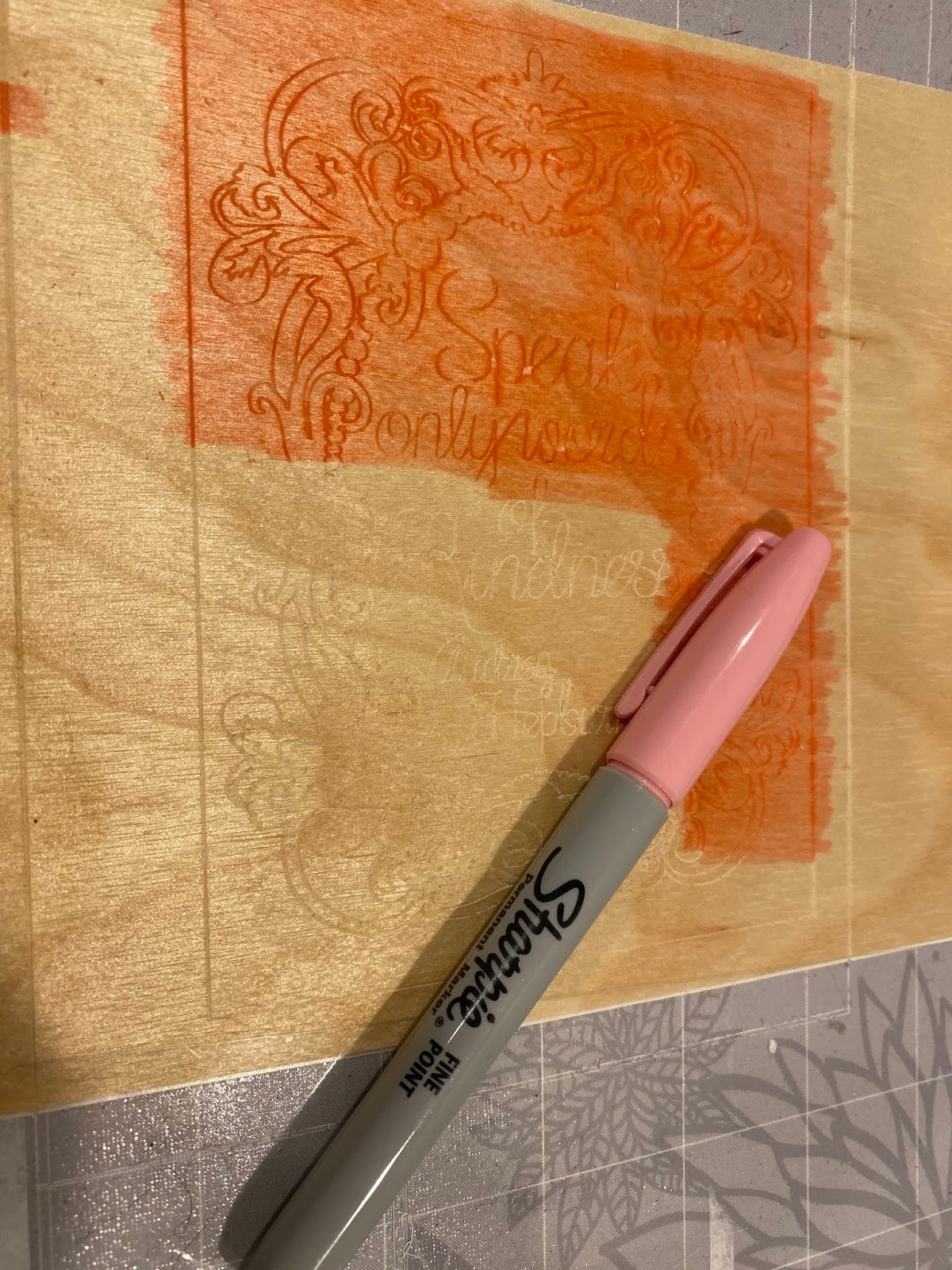
I found this Arc Crafts wood and needed to see if I could engrave on it. I got it at Michaels and have seen it at Joanns. After I engraved it with the Chomas Creations engraving tip I colored on it with Sharpie marker. I wish I had some dye ink, that would have been so much easier! As you can see in the one pic you can't see much without some sort of dye or color on it that well. Of course my lightning is icky!!! So yes you can engrave on wood if you find some thin enough to fit under the rollers! Great news! And more great news this will work in the Explore as well.
You can find the Chomas Creations engraving tip in my store here
And don't forget to use the coupon code nov2019 at checkout until 11-26-2019


Like what you see? Leave a comment to let me know! Thanks Amy Chomas

Friday, November 15, 2019

Chomas Creations adjustable marker holder in the Cricut

I have a confession to make...  I have been bad at making cards and not giving my usual home made cards.  I needed to sit and make some to have on hand for when I have a mad rush to grab a card.  I found this sketch on the Design Space software called and I do love the look of white ink on kraft cardstock so I gave it a go.  I added the Signo Uniball white gel pen to the Chomas Creations adjustable marker holder to draw these.  Heads up that the same tool I linked will fit into any of the Explore machines.  So you can do this exact same thing with the exact same holder with your Explore!

Now I used to be all about cutting my cards out of cardstock but this is a quicker way. You can buy the cards with the envelopes and unfold them to design on them.  Less cardstock waster too!  I just added some ribbon scraps to the cards and VOILA!  Super easy.
And super cute!
Don't forget you can use the coupon code nov2019 to save 10% off your order in the Chomas Creations store until 11-25-19.


Like what you see? Leave a comment to let me know! Thanks Amy Chomas

Wednesday, November 13, 2019

More fun with the Chomas Creations precision tip and a coupon hehe!


I'm so excited on how these all worked out!  I had engraved on all of these with the Chomas Creations precision tip in either the Cricut or Silhouette and then used a Sharpie to color on them and it worked!!!  The afters are  on top, as you can tell lol, and the befores are on the bottom.
I used a fine point Sharpie, colored over the entire etched area, then used rubbing alcohol to get the excess off and I was left with what you see!
And before I go too far how about a coupon coupon code for those ready to give this a go!  Use the code nov2019 until 11-25 to save 10% off your purchase in the Chomas Creations store... Chomas Creations store


It worked just as well on the acrylic, same idea, cover the entire area and rub the excess off with rubbing alcohol. 


Even the tiniest of tiny objects worked, these charms are just 1/2 inch around.


Like what you see? Leave a comment to let me know! Thanks Amy Chomas

Thursday, November 07, 2019

Chomas Creations precision tip in the Engraver

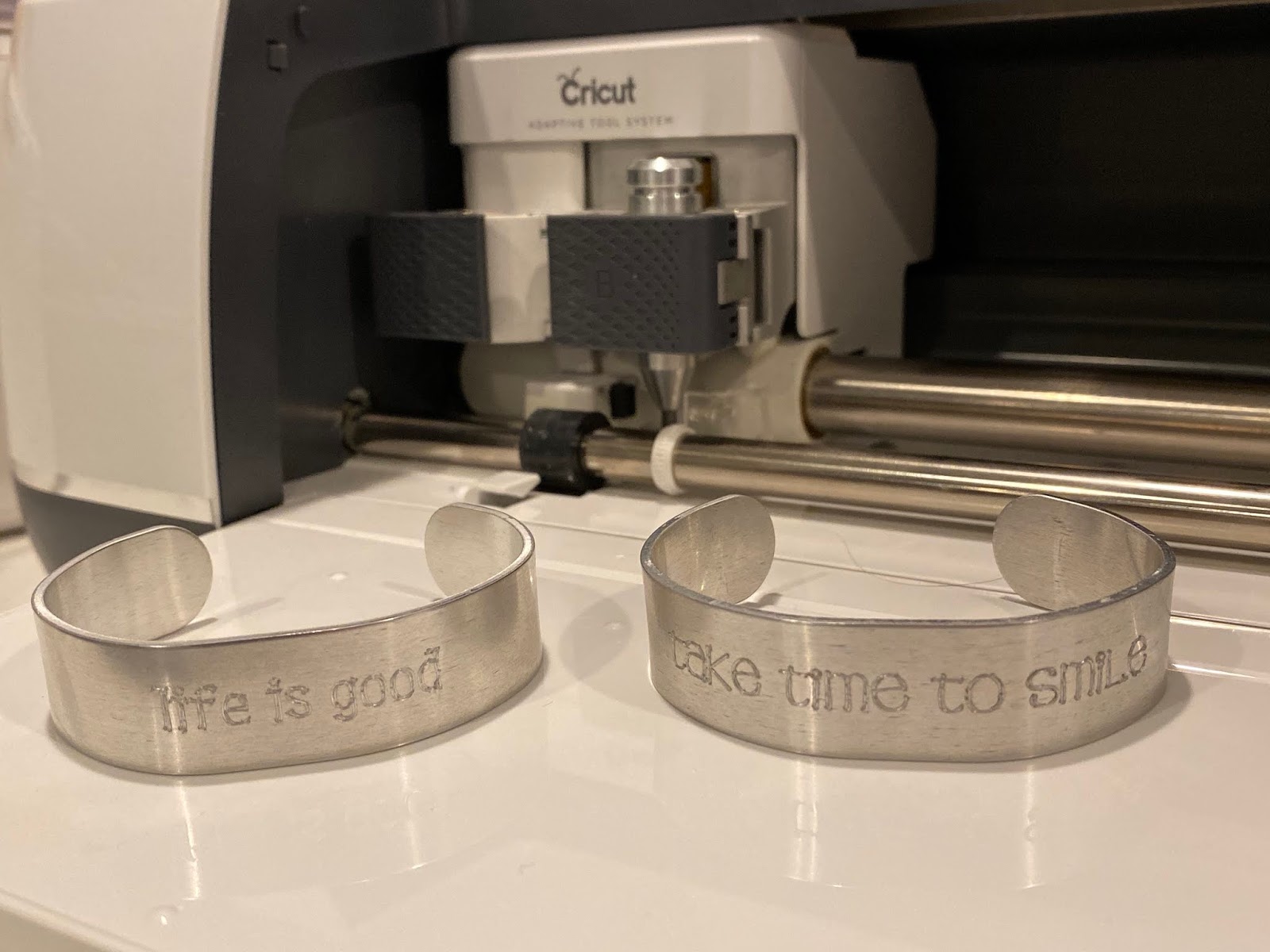
I had bought these thinner 1/4 inch bracelets from ImpressArt and I was struggling to get the Chomas Creations engraving tip to etch on the piece because it was too thin and the blade kept getting stuck on the edge of it.  I had this thought to add some of the thicker bracelets on either side of it and it worked like a charm!  I also made another template so I knew exactly where to add my bracelet.  Works like a charm!  I have a tutorial down a few posts below on how I did this as well as a video.  
If you want to find the Chomas Creations tools for the Cricut they are here... Chomas Creations
And happy news to all my Explore fans out there, these will work in the Explore as well.  They also go in the right side in place of the blade.


 This is the tool you can get for the ImpressArt to bend the bracelets.  So easy to do!


Like what you see? Leave a comment to let me know! Thanks Amy Chomas


Thursday, October 31, 2019

Cricut Design space tutorial for use with the Chomas Creations engraving tools


Here is a video on using Cricut Design Space with the Chomas Creations engraving tool.
You can find the Chomas Creations tools here...  Chomas Creations


Like what you see? Leave a comment to let me know! Thanks Amy

Monday, November 05, 2018

Embossing metal sheets with the Cricut Maker & Explore

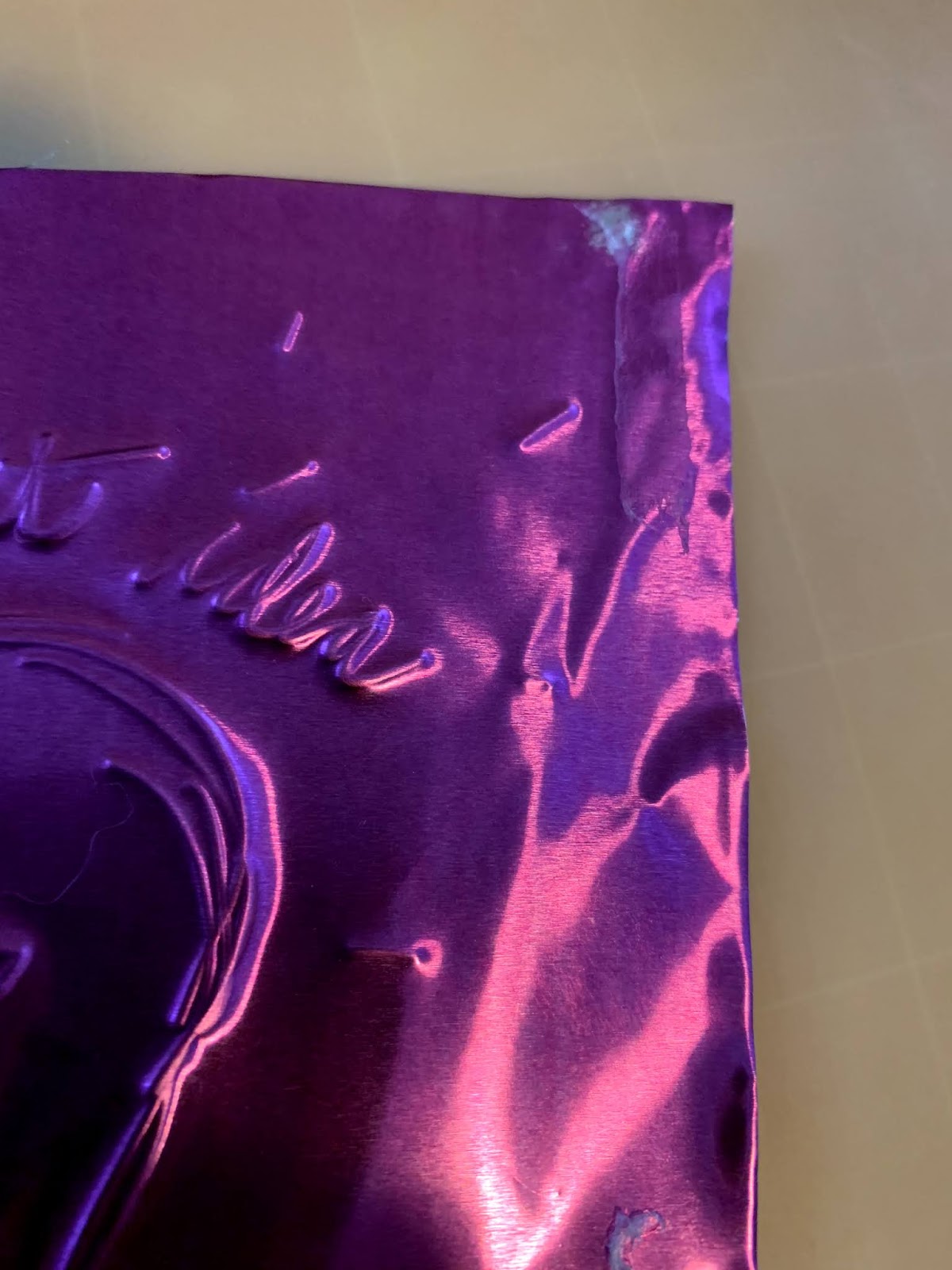
Did you know with a stylus in the Chomas Creations adjustable pen holder and a Chomas Creations embossing mat you can emboss on thin metal sheets?  Oh yes you heard that right!  I got this design in the Cricut Design Space store.  They have some that are perfect for embossing, or what they are made for, writing.  Keep in mind no design you pick is going to fill in. This set up will also work for the entire line of Explore machines.

Here is a video so you can see it in action!

Here is the set up in the Maker, which will also work in the entire line of Explore machines.  I added the embossing mat to my existing Cricut mat.  This was a brand new mat, if you have an old one handy you can always clean it but may need to add more sticky to the mat.
Its easy to get the piece of metal to stick, just add a bit of adhesive in each corner.  Notice I didn't use much.

Make sure you flip your design in Design Space if it includes a font like this design did.
I used a piece of Scotch Brite to do a light sanding and really make the design pop.

Be careful as the edges of this can be sharp.  I did fold them over for this design.  

Here is a closer look at the tool in the machine.  Notice it is on the left side in the Chomas Creations adjustable pen holder.  I did select write so that it would use the tool on the left side.  Notice the engraver is on the right side.  I did not use it in this design but I needed the clamp to close.


Like what you see? Leave a comment to let me know! Thanks Amy Chomas

Wednesday, January 03, 2018

Now available! Chomas Creations precision tip for the Cricut Explore & Maker

You've asked for it and they are now available for preorder in the Chomas Creations store!
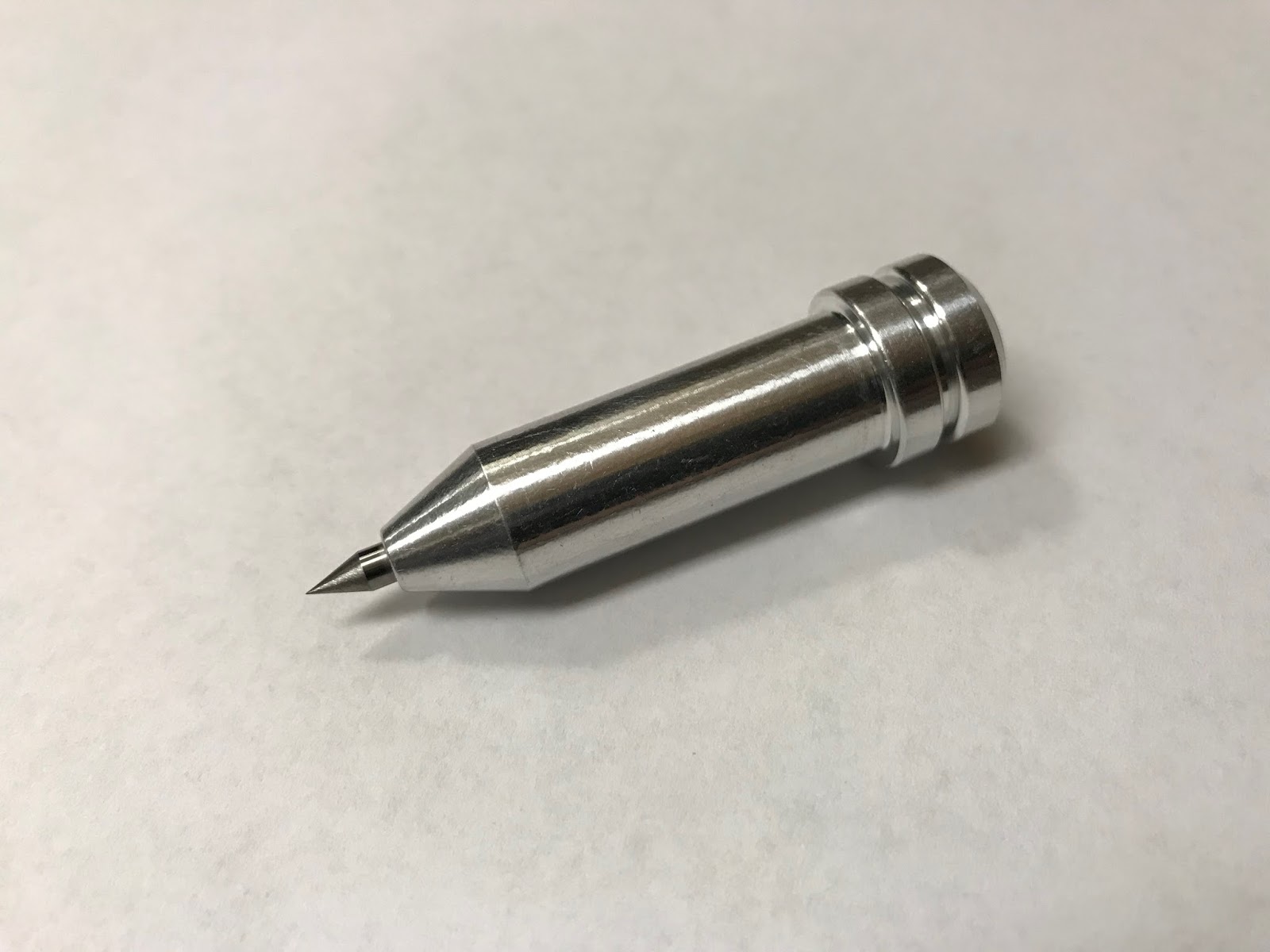
The precision tip for the Cricut Explore line and the Cricut Maker!  You can etch anything you would normally cut with your Cricut machine but with finer details because the precision tip is an even finer tip then the original engraving tip.
Now available for preorder here for the Cricut Maker
Also available for preorder here for the Cricut Explore


Like what you see? Leave a comment to let me know! Thanks Amy Chomas

Thursday, September 21, 2017

Chomas Creations tools for the Maker are in stock and shipping!

If you have been waiting for the Chomas Creations tools for the Cricut Maker they are in stock & shipping now!  You can find them all in my store here... Chomas Creations tools
 Chomas Creations engraving tip for the Maker
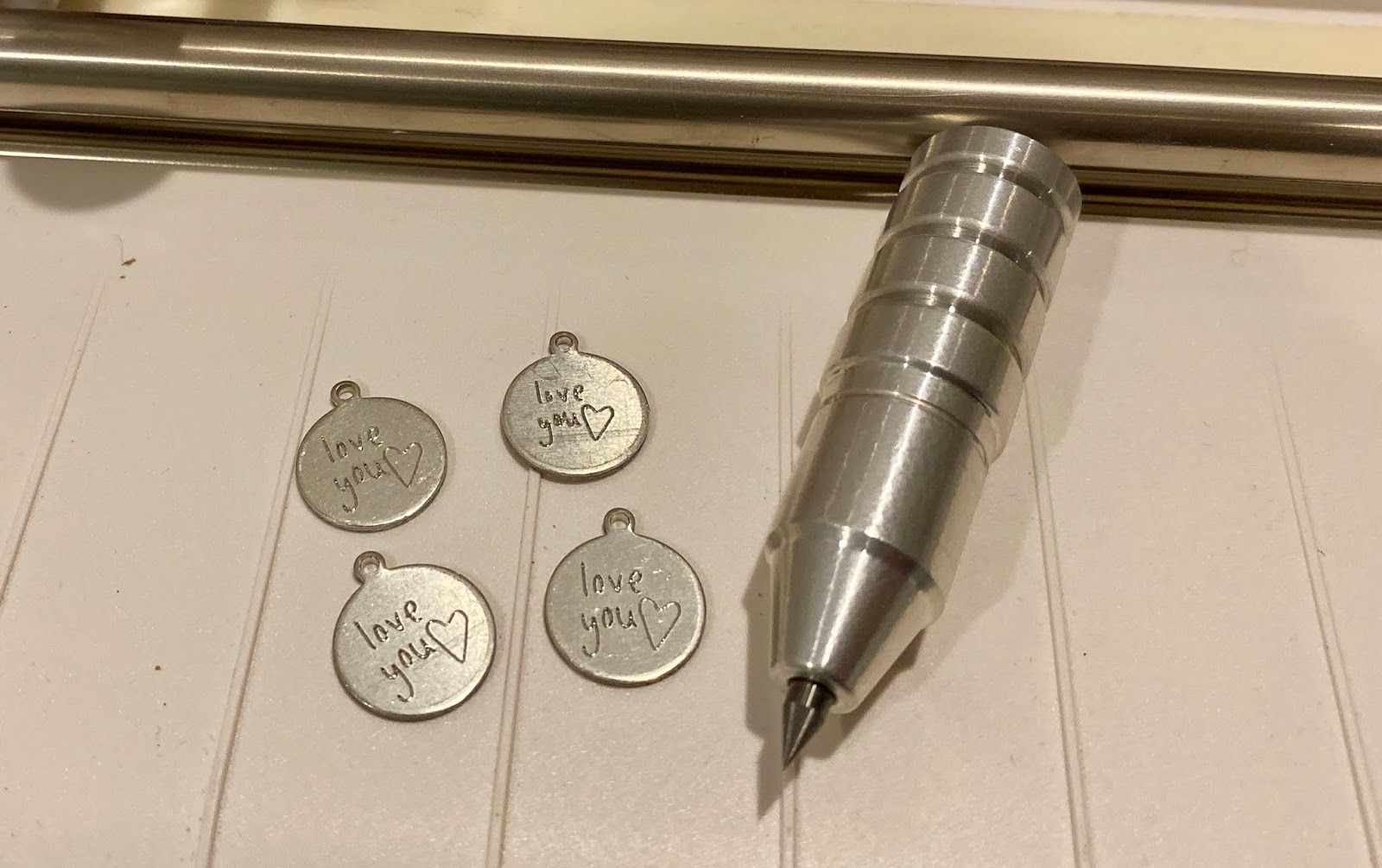
 Chomas Creations adjustable marker holder for the Maker (notice it has 2 rings around it)
Chomas Creations adjustable pen holder for the Maker (notice it only has 1 ring around it)

 Some people want to know why we offer both a pen & marker holder.  The pen holder is 3/8 inch in diameter and can center most gel pens (those without the squishy grips).  Some people like the option to center the gel pens.  The marker holder holds up to 1/2 inch (the size of the fine point Sharpie marker).


Like what you see? Leave a comment to let me know! Thanks Amy Chomas